Link components to an asset
A component is an asset that belongs with another asset, such as a laptop with a power cord or a case.
You need the Add Assets permission to manage components. To edit existing components, you need the Edit Assets permission.
To link a component to an asset:
- Select Assets > Asset Components. The Manage Asset Components page appears.

- In the row of the asset you want to link components to, click
 . The Manage Asset page opens.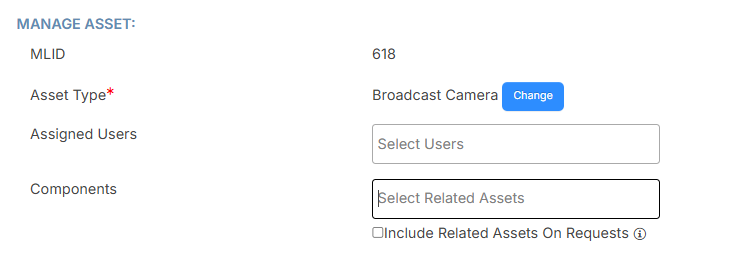
- In the Components field, start typing the name of the related asset, and then select it from the list that appears.
- Select the checkbox to include all related assets on every request.
- Make any other desired changes.
- Click Save.
You can also do the following on the Manage Asset Components page: