View the Labor Dashboard
Users with the Enhanced Reports administrative permission can view the Labor Dashboard, which shows several data points at a glance. From any of the bar, column, pie, and line charts, you can drill down to get the information you need. You can also export the data to a PDF to save and share the data.
To view the Labor Dashboard:
Select Reports > Labor Dashboard.
To filter your results:
You can show a subset of data by clicking a section of either a pie chart or graph. All information within the report adjusts accordingly.
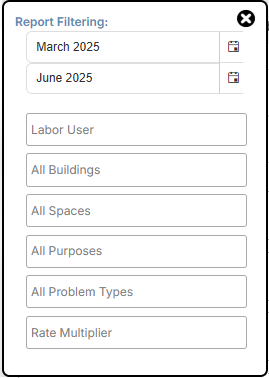
You can also use the filters on the upper-left side of the page. Click the filter you want, and then select from the drop-down.
|
Note: The date filter defaults to last three months. Data is available for the past 15 months. |
The filter results appear in all the charts and graphs.
The Labor Dashboard includes:
| Data | Related widget |
|---|---|
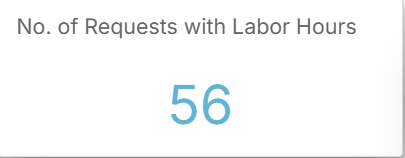
| Number of requests with labor hours |
|
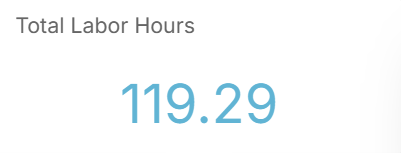
| Total labor hours |
|
|
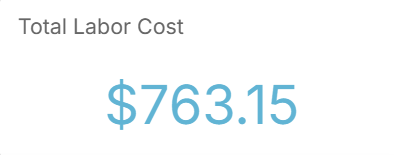
Total labor cost |
|
| Labor hours per month |
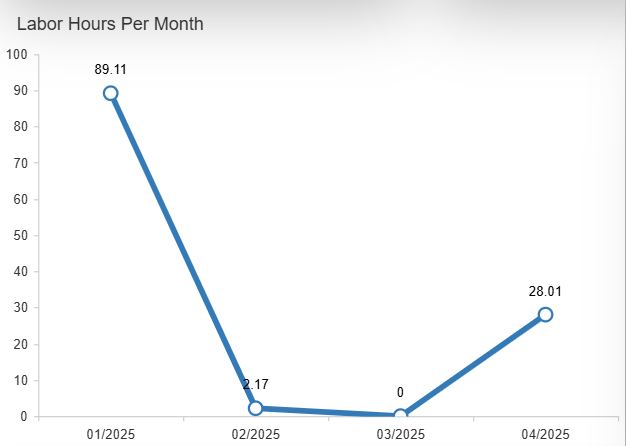
|
| Labor costs per month |
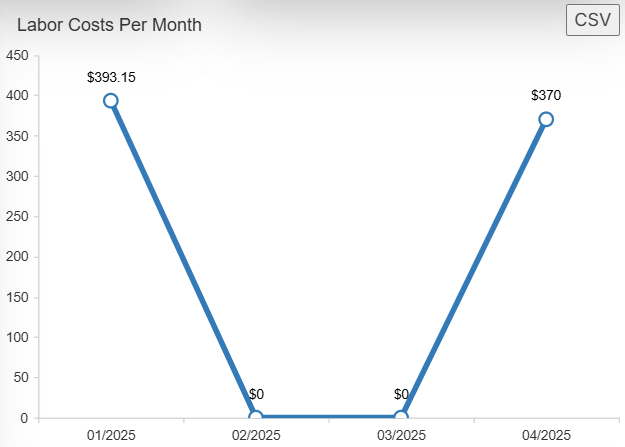
|
| Labor hours per user |
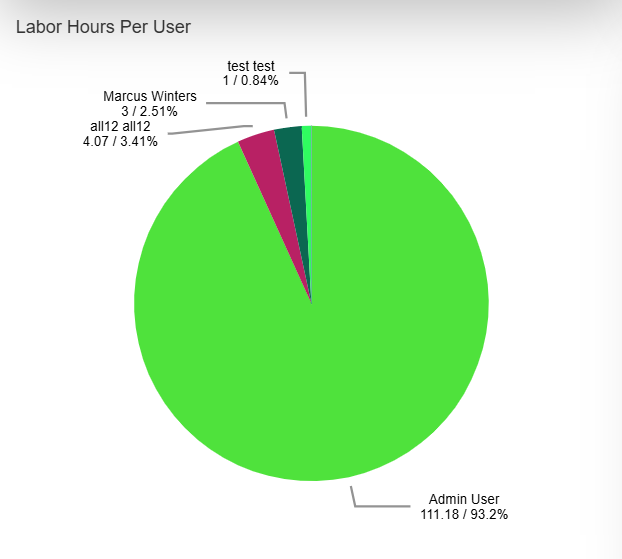
|
| Labor cost per user |
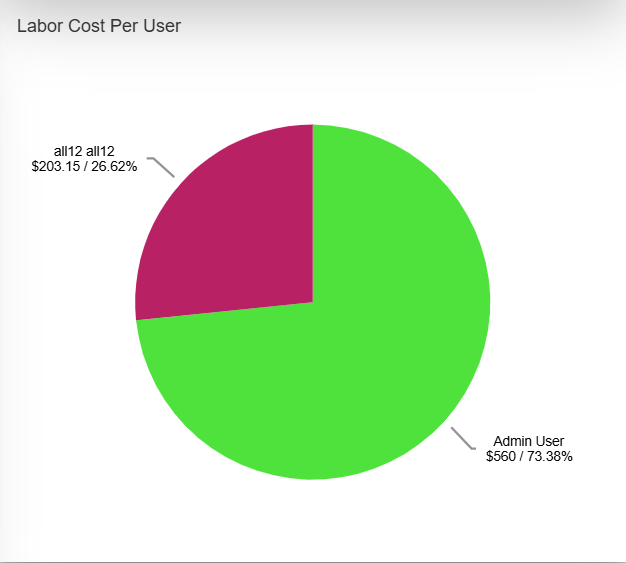
|
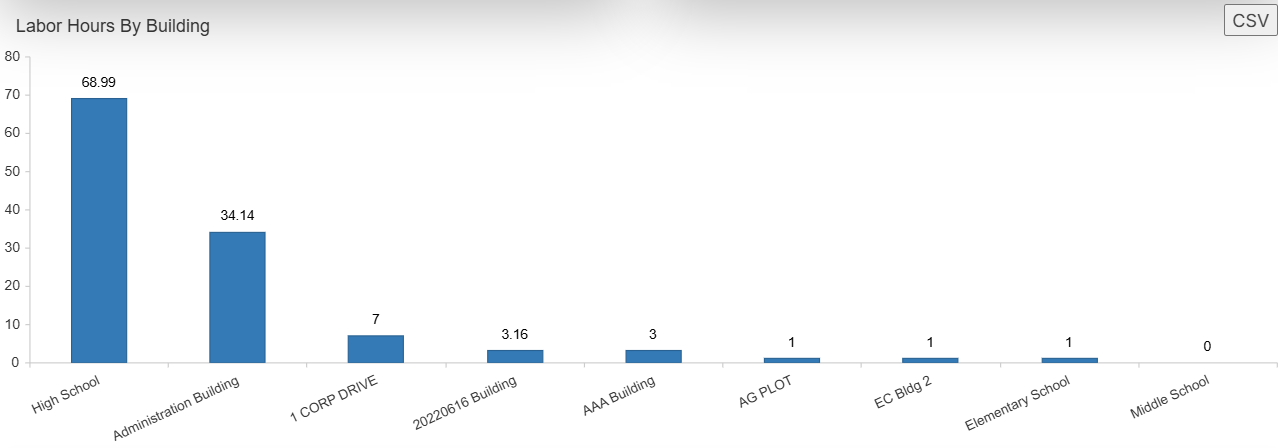
| Labor hours by building |
|
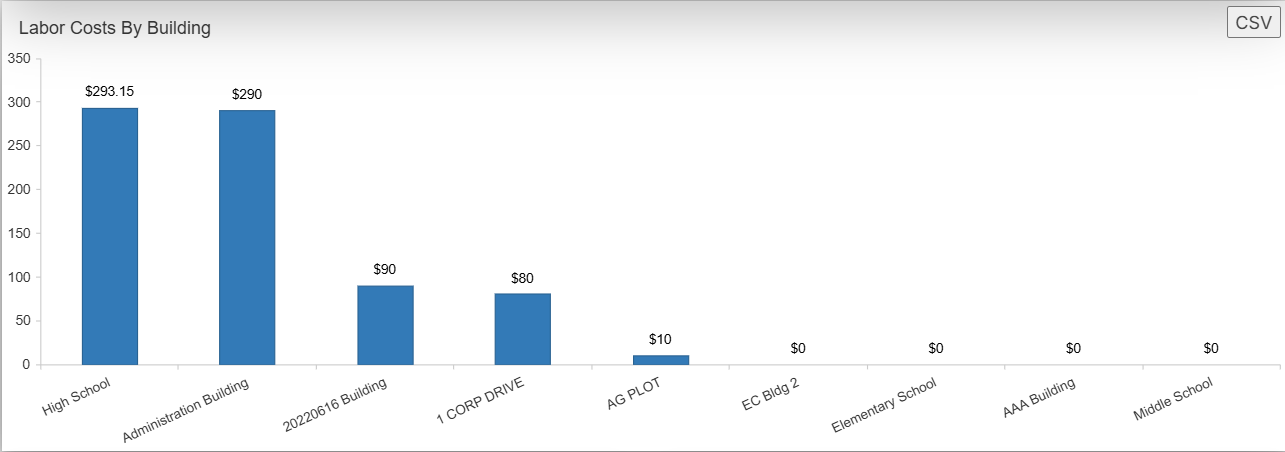
| Labor costs by building |
|
To create a PDF:
- Select Reports > Labor Dashboard.
- Set any filters you want.
- At the top of the page, select Print Charts.
i