Use AI email ticketing
AI email ticketing streamlines request intake by converting incoming requests into categorized, summarized tickets. This reduces manual data entry for technicians.
Before you begin
To have AI populate request fields, an administrator must enable the applicable settings.
Generate content on requests with AI email ticketing
When a request is submitted by email and the district setting to complete fields with AI is enabled, AI populates the following request fields based on the email content:
- Request Category
- Problem Type
- Purpose
- Priority
The requestor name, email, building, and space are pulled from the sender's account.
With those fields populated, any configured approval paths, auto assignments, auto-notifications, and SLAs apply to the applicable request types.
AI-generated fields are identified by AI by this icon:  . You can manually update any field as needed.
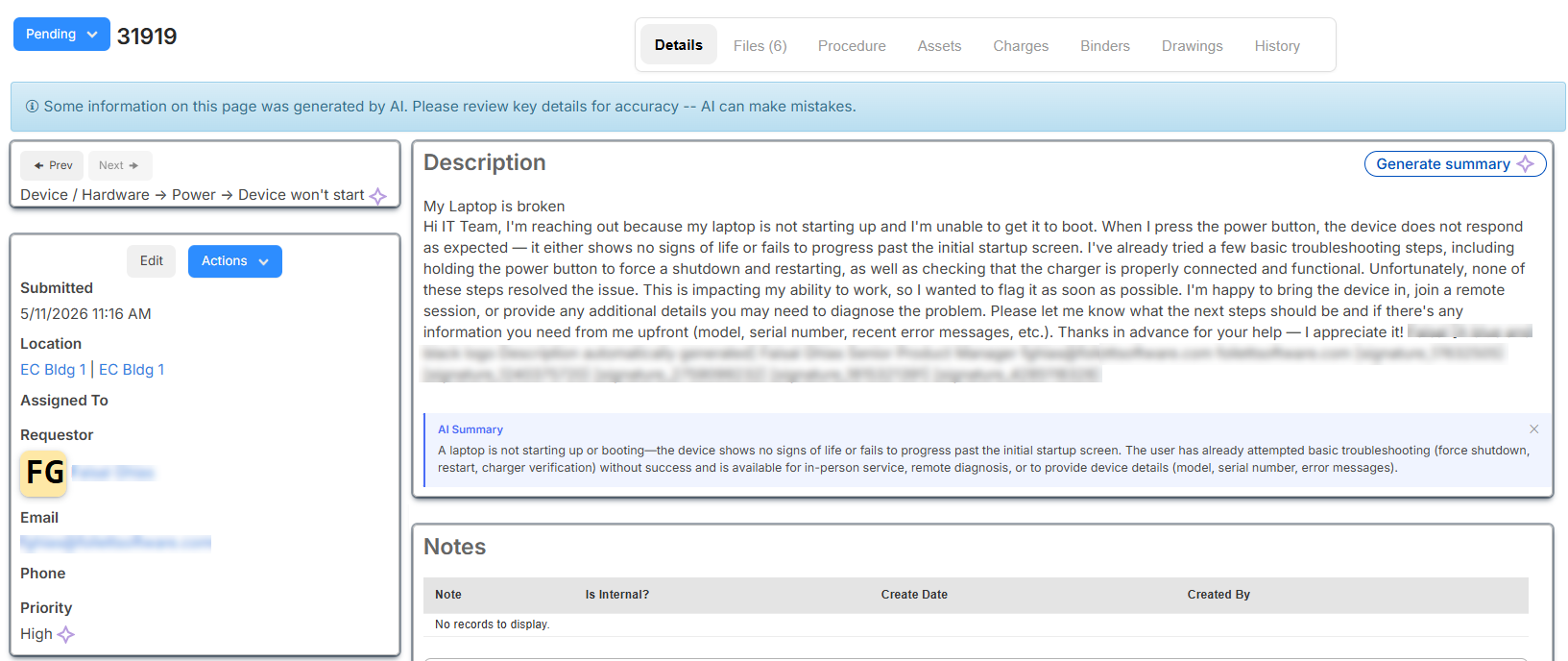
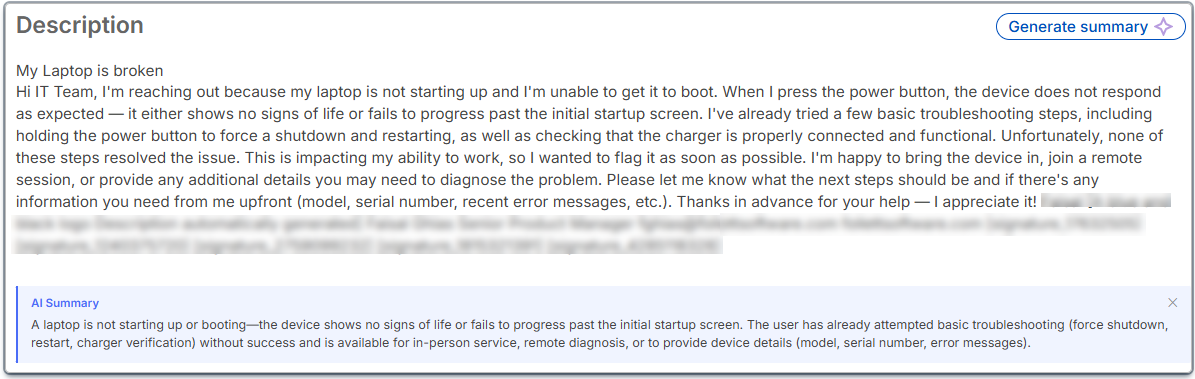
If a description exceeds 500 characters (whether a request is sent via email, the web app, or the Follett Software Ops app), and your district has enabled the AI description summary setting, the Generate summary button is available. Click it to have AI generate a concise summary of the problem.
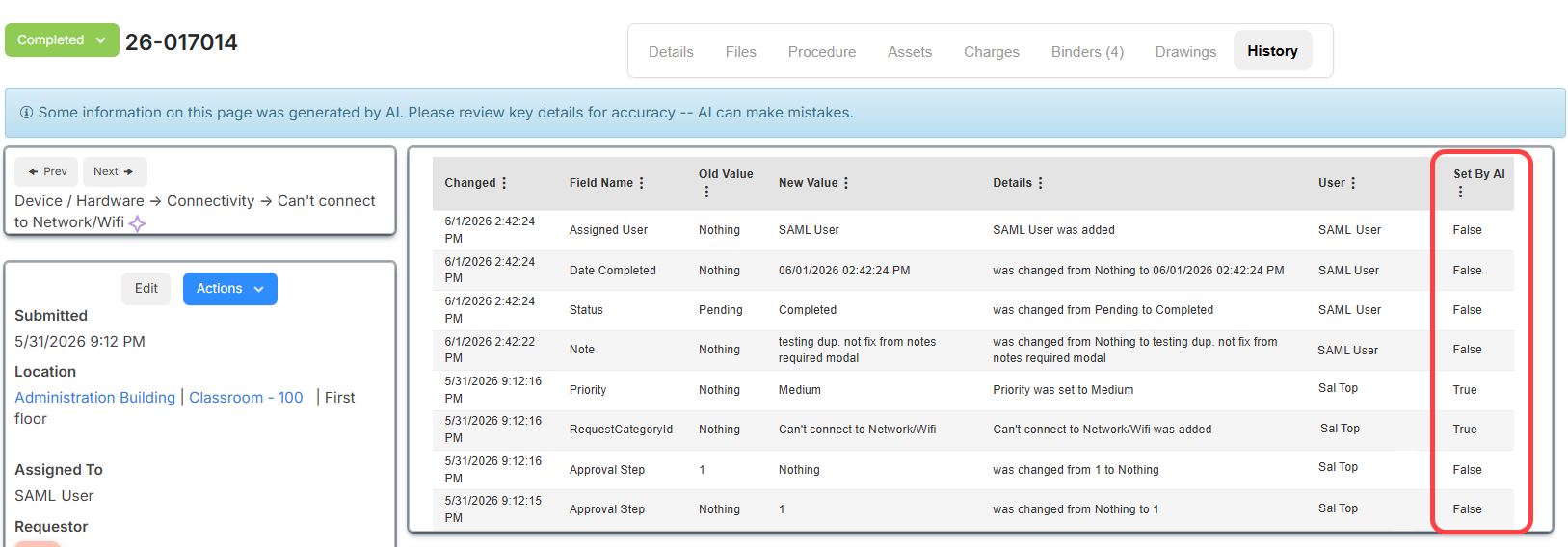
The request's History tab shows if fields were set by AI.